
No smartphone? No problem! We provide FREE car tags!
How to handle parents who do not have a smartphone or do not want to download/can’t use the app? You might run into parents or delegated persons who cannot or do not want to download the app. If this happens, our recommendation is to print a car tag for parents at the beginning of the school year. Printing at the start of the year will allow staff to check the tag still and allows the parent to pick up their child easily. You can even print business card-like car tag for easy wallet carry.
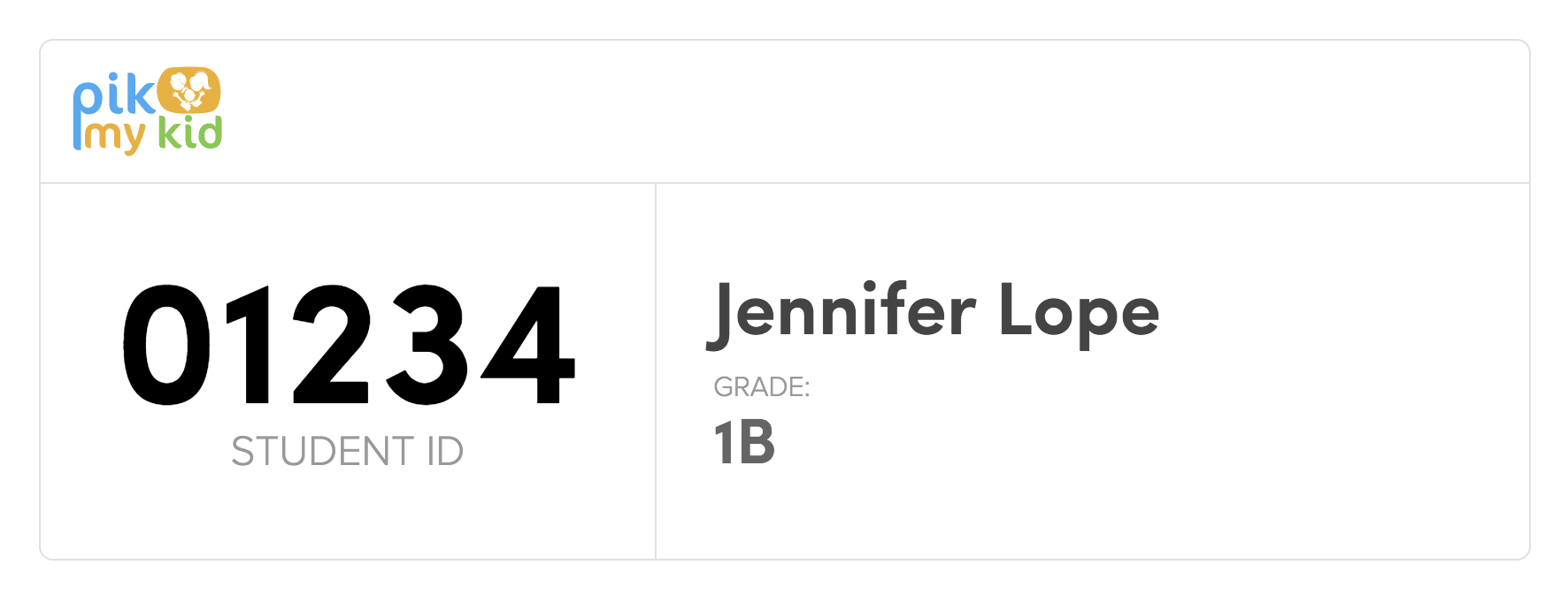
Printing car tags are done through the school portal and can be printed in volume or individually. Once you are logged into your portal choose the car tags option under the tools section (bottom left of the menu) → Choose desired option to print the car tags: “all students”, “by grade”, “by classroom”, or “by student” → Select “create cards” and press “print car tags” upper right corner.