
Watch The Video
Download PDF
Click here to download a PDF with this information.
Dismissal Teacher Quick Start Guide
Logging In
Login to Pikmykid (schools.pikmykid.com)with your email and password or via your school’s SSO method.
Dismissal Progress
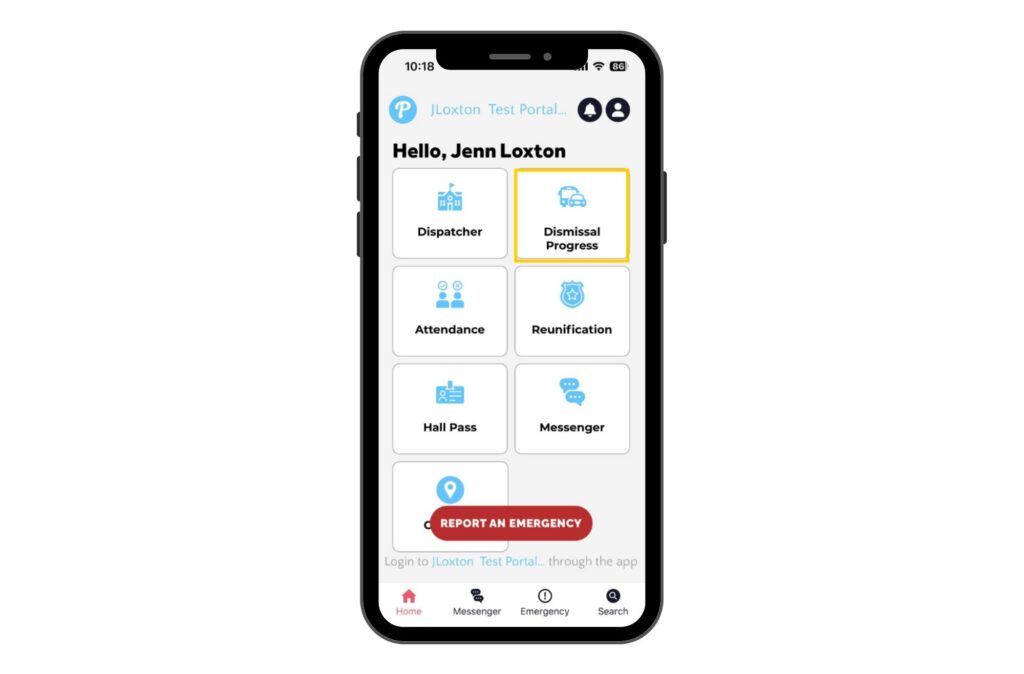
Go to the “Dismissal Progress” tab to manage dismissal from your classroom. This page updates live and shows the most up-to-date information.
Customize Your Information
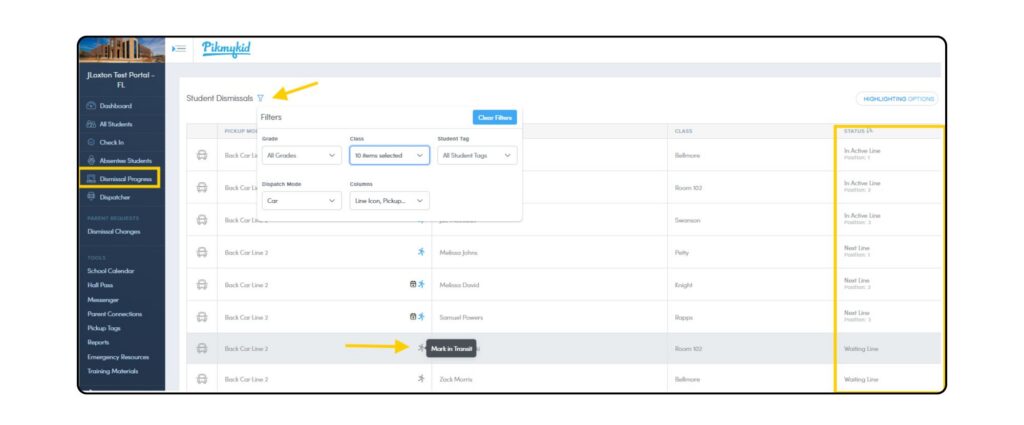
Use filters to select the information to be displayed. It is recommended to select “Pickup Mode” from the columns filter.
Staff can use the “In Transit” feature in the Pickup Mode column to indicate a student has been sent from their classroom or common area to their dismissal location. To enable this feature, please email us at [email protected].
Status
Check the Status changes to send the students out accordingly.
Don’t Forget
Staff can access the Dismissal Progress page from the Staff App, too!